
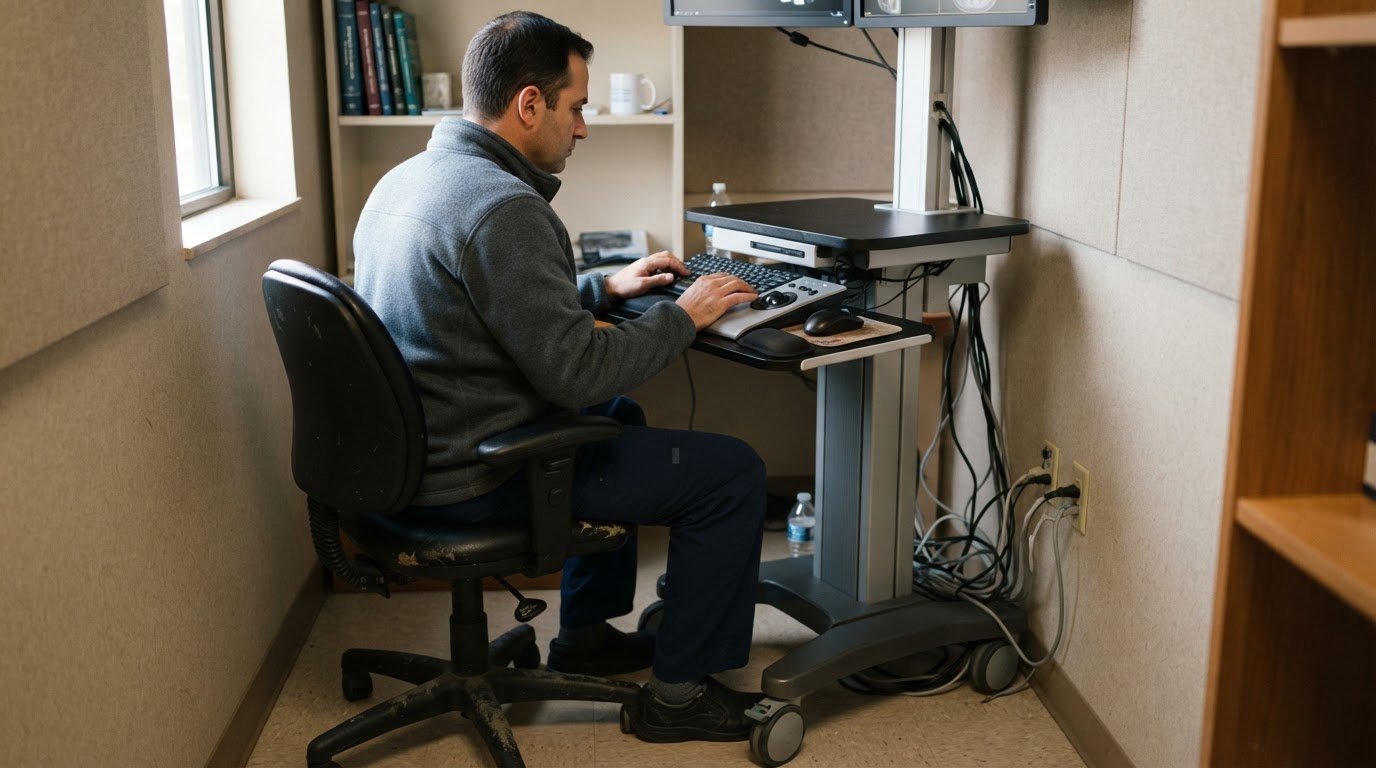
Mobility alone doesn’t make a workstation ready for diagnostic reading. A mobile radiology reading station combines a portable setup with displays and tools for reviewing medical images; one described configuration uses four high-resolution 4K OLED displays and DICOM calibration. Its practical value depends on how well its display, connectivity and workflow fit the reading environment.
Portability can make it easier to read across locations, but it also raises practical questions about image quality, network access, PACS and dictation integration, and workspace needs. A compact setup still has to support the systems and working conditions radiologists rely on.
This guide explains what mobile radiology reading stations are and which features matter when evaluating them. Learn how to assess displays and calibration, connectivity, system integration, ergonomics, power, and physical setup, then identify the requirements that matter for your intended use.
Key Takeaways
- Assess display quality and DICOM calibration together to understand whether a portable setup fits your diagnostic reading workflow.
- Plan for dependable connectivity and PACS and dictation access across the locations where you expect to work.
- Consider workspace, ergonomics, power and equipment footprint before deciding where the station will be used.
- See how Dextro Reading Stations and related offerings can support a more flexible radiology reading setup.
Mobile radiology reading station
A mobile radiology reading station combines image-viewing hardware and reading software in a portable configuration. It can support radiologists working across locations, but portability alone doesn’t define diagnostic capabilities. Display performance, DICOM calibration, connectivity, and access to PACS and dictation systems all shape how the station fits a reading workflow.
Configurations vary. One described portable setup has four high-resolution 4K OLED displays, while other compact platforms use a built-in screen. Treat these as examples of different systems, not universal specifications. The best fit depends on the number of images viewed at once, transport needs, and available workspace.
Displays and calibration
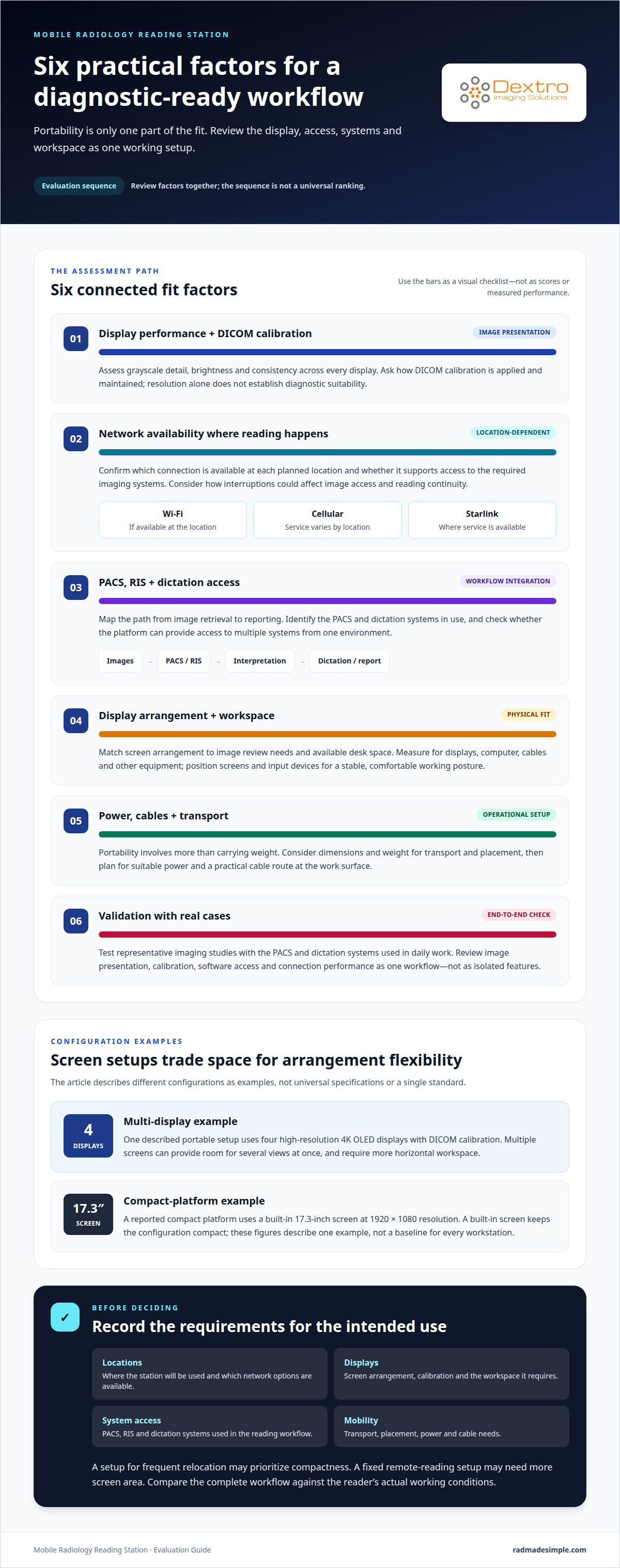
Display count affects how readers arrange images, comparison studies, and supporting applications. Four screens may provide space for several views at once, while a built-in display keeps the configuration compact. A reported compact platform uses a 17.3-inch screen with 1920 × 1080 resolution. Those figures describe one example, not a baseline for every portable workstation.
Resolution alone doesn’t establish suitability for diagnostic reading. Review how the display renders grayscale detail, brightness, and consistency across screens. DICOM calibration supports image presentation according to a defined display standard. Ask how calibration is applied and maintained within the intended workflow. Evaluate every display, since mixed screen types can affect the viewing experience.
Connectivity and system access
Remote reading depends on network access between the workstation and the imaging environment. Portable configurations may support Wi-Fi, cellular service, or Starlink, depending on the system and available service. A connection option is useful only if it works at the intended location and supports access to the required imaging systems.
PACS and RIS integration determine how images and related workflow information reach the reader. Dictation access matters too, since interpretation workflows may rely on speech input. Map the path from image retrieval to reporting before selecting hardware. Include these points in your assessment:
- Identify the PACS and dictation systems the reading workflow uses.
- Confirm which network connection is available at each planned work location.
- Consider how connection interruptions affect image access and reading continuity.
- Assess whether the platform can provide access to multiple systems from one environment.
Some reading platforms provide access to multiple PACS and dictation systems across locations through a unified platform. This can reduce the need to move between separate environments. The key test is whether your team’s systems are accessible within the intended workflow.
Physical setup and ergonomics
Portability involves more than carrying weight. Dimensions and weight affect transport, placement, and available desk space. Measure the destination workspace and account for the displays, computer, cables, and other equipment used together.
Plan the work surface around the reader’s actual screen arrangement. Four displays need more horizontal space than a built-in 17.3-inch screen. Position screens to support a stable viewing posture, and place input devices within comfortable reach. The workstation also needs suitable power and a practical cable route. A mobile configuration still requires a dependable place to work.
Before purchase, evaluate the setup side by side with real cases. Use representative imaging studies and the PACS and dictation systems involved in daily work. Assess image presentation, calibration, software access, and connection performance as one workflow. A brief demonstration with isolated images may not reveal integration or workspace issues that arise during routine use.
Record the results against your intended use: locations, display arrangement, network options, system access, and transport needs. A station designed for frequent relocation may prioritize compactness, while a fixed remote-reading setup may need more screen area. These practical criteria make comparisons clearer and help align equipment with the reader’s workflow.
Confirm that the portable reading station supports internet access through Wi-Fi, cellular service, or Starlink, and verify service at each intended location. The RADCOM Compact offers Starlink, Wi-Fi, and cellular or mobile hotspot connectivity options where service is available. Because availability varies by location, make sure the chosen connection supports the workflow’s access needs before relying on it for remote reading.
Dextro Imaging Solutions said its next-generation portable reading station prototype was ready to ship in MARCH 2026.
Dextro Imaging Solutions: Dextro Reading Stations
Dextro Imaging Solutions offers Dextro Reading Stations for radiology teams looking for dedicated reading setups. For a portable configuration, consider Portable Radiology Workstations and Radcom Compact. PACS Harmony may also suit workflows that include PACS software.
The right option depends on how your team works: where readers need access, which imaging systems they use, and whether a fixed or portable setup suits the workspace. These details help focus the discussion on equipment and software that fit your requirements, without assuming every configuration serves the same purpose.
If you’re planning a radiology reading setup, contact Dextro Imaging Solutions to discuss your requirements.
Plan Your Next Reading Setup
The next step is to match your reading workflow with the equipment and software that support it. Consider where the station will be used, which systems readers need to access, and how the configuration fits the work environment. A mobile radiology reading station should support your team’s work, not add unnecessary complexity.
Dextro Imaging Solutions offers Dextro Reading Stations and the Radcom Compact. These products can help shape a discussion about your reading setup and display needs. Bring your workflow priorities to that conversation, including portability, system access, and the reading environment you’re planning.
Contact Dextro Imaging Solutions to discuss your radiology reading setup and explore an option suited to your requirements. A clear plan can help your team move toward a more adaptable workflow with confidence.


